
Playing music through your microphone on CS2 is a fun way to entertain your teammates or add a little talent during downtime. Although not officially supported by Valve, this trick can be done using a combination of virtual audio software and settings in the right game.
The following step -by -step guide on how to do it responsibly.
What do you need
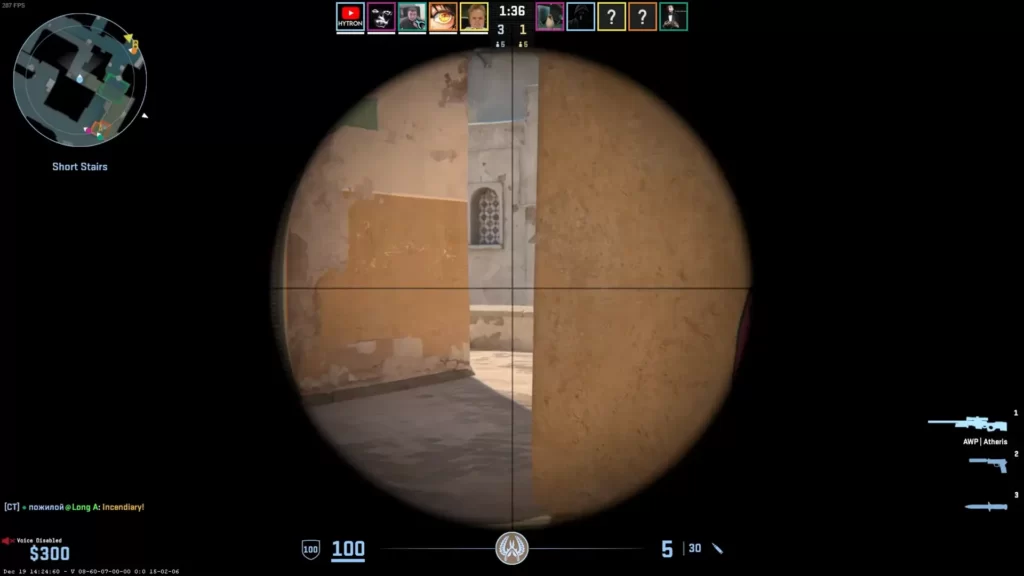
To play music through your microphone, you will need:
- 🔌 Virtual audio cable programs (for example, VB-Audio cables, voicemeeter)
- 🎶 Media players like VLC or Spotify
- 🎤 Functioning Microphone
- 🖥️ CS2 is installed and running
How to play music on cs2

This is what you need to do:
Step 1: Install Virtual Audio Cable
Download and install virtual audio cable software such as the VB-Audio cable. This tool makes a virtual audio device that directs sound from one application to another – acting like “virtual microphone.”
Step 2: Set a virtual cable as default
After installed:
- ⚙️ Go to sound settings in Windows.
- 🎛️ Under input, set the virtual cable as your default recording device.
- 🔁 Under the output, select the same cable to replace the sound to your mic input.
This setting makes your system treat audio from your media player as if it comes from your microphone.
Step 3: Play Your Music
Open your media player (VLC, Spotify, etc.) and start playing tracks. Make sure your media output device is also arranged to a virtual audio cable.
Step 4: Launch CS2 and Test
Start CS2 and open a casual or custom match. Use the default push-to-talk key (usually K) and check whether your teammates can hear music. If not, make sure CS2 uses a correct microphone input – virtual audio cable.
To change the mic input in CS2:
- Open Settings> Audio> Sound input device.
- Choose a virtual cable as your input source.
Optional: Add a sound with music
If you want to talk and play music simultaneously, you will need software such as banana voicemeeter, which allows you to combine several audio sources (your microphone + music) into a single virtual device.
Be respectful
Keep in mind that the blasting of music in competitive games is not valued and can cause negative consequences. Use this trick wisely and only if it’s right.
Summary
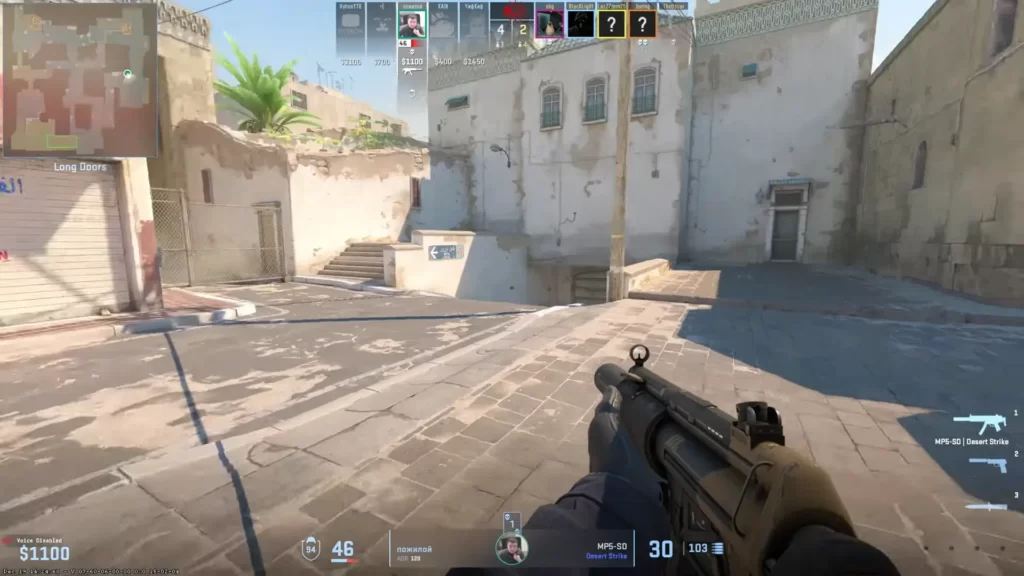
Playing music through your microphone in Counter-Strike 2 is possible with virtual audio cables and proper audio settings. This is a fast recap:
- 📦 Install the VB-Audio cable.
- ⚙️ Set as your input/output device.
- 🎶 Your music player route via cable.
- 🎮 Select cable as your mic input on CS2.
Is it permitted to play music via Mic on CS2?
This is not officially prohibited, but can be considered disturbing. Use only in a casual match and always ask permission from your teammates. Repeated abuse can cause reports or mute.
What is the easiest way to play music via mic on CS2?
Use virtual audio tools such as VB-Audio cables to repay music from your players to your microphone input. Then select virtual microphone in CS2 sound settings.
Can I play music and talk at the same time?
Yes. Use Voicemeter to mix your actual microphone and audio system. This allows you to control the volume of both independently when transmitting through a virtual microphone.
Does Slam work with CS2?
Until now, Slam (Live Audio Mixer source) is not officially compatible with CS2. It was made for CS: GO, which uses source 1. CS2 uses source 2, so slam may require a new version or solution.
Can I be prohibited from playing music through a microphone?
Although it is impossible to produce a ban on VAC, spam or playing inappropriate content can make you reported, muted, or kicked by the players. Use responsibly and avoid in ranking matches.
Game Online
Motivation
News
Pendidikan
Pendidikan
Download Anime
Gaming Hub
A gaming hub can refer to a central platform or space dedicated to gaming, where players can access games, interact with other gamers, and enjoy related content.